
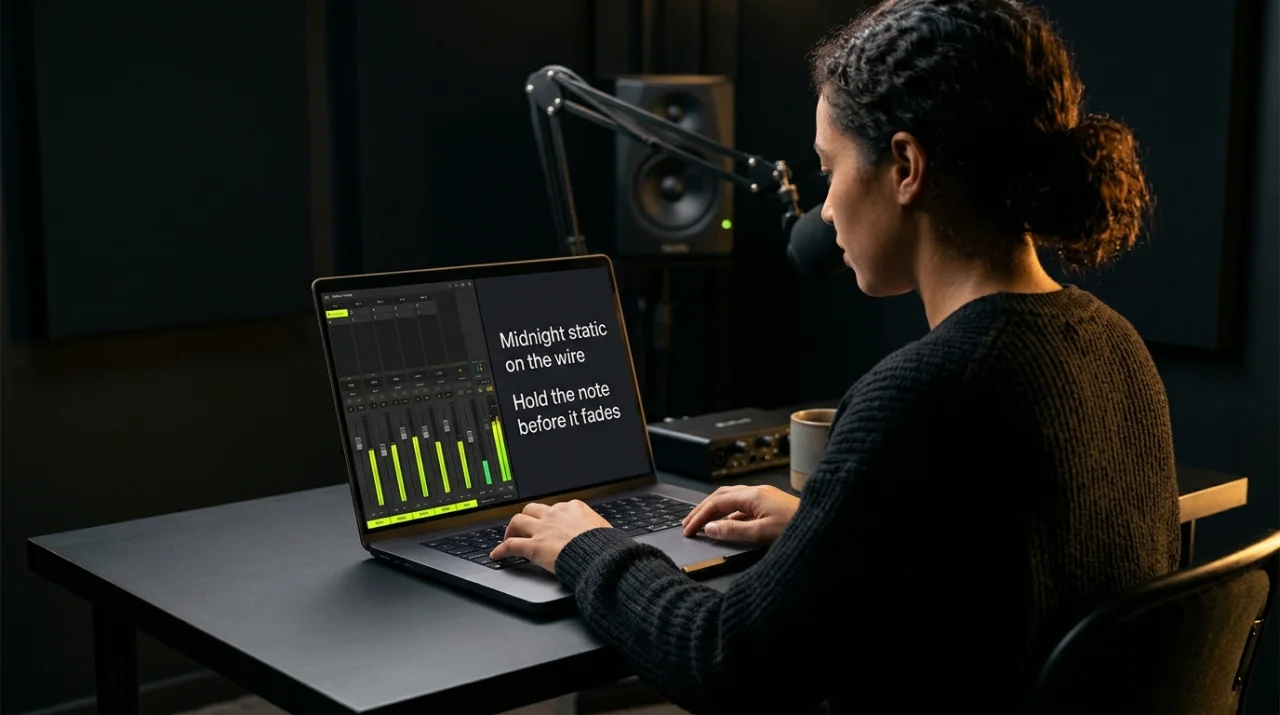
 STEP 01
Single-Desktop Split Studio
Open the Studio Deck on your laptop or desktop. Shape your warm acoustic chord progression, EQ, and atmosphere pad on the left while reading large, auto-scrolling lyrics on the right.
Fast phone-first recording, big auto-scrolling teleprompter, and QR phone handoff.
Warm acoustic chord synth, Bluetooth mic video recorder, and open-source auto-scrolling teleprompter in one deck.
Watch the narrated studio walkthrough right here beside your camera and mic deck.
Watch the narrated 16:9 studio walkthrough below, or follow the four visual steps to record broadcast-ready acoustic sessions with your laptop, tablet, phone, and Bluetooth microphone.
STEP 01
Open the Studio Deck on your laptop or desktop. Shape your warm acoustic chord progression, EQ, and atmosphere pad on the left while reading large, auto-scrolling lyrics on the right.
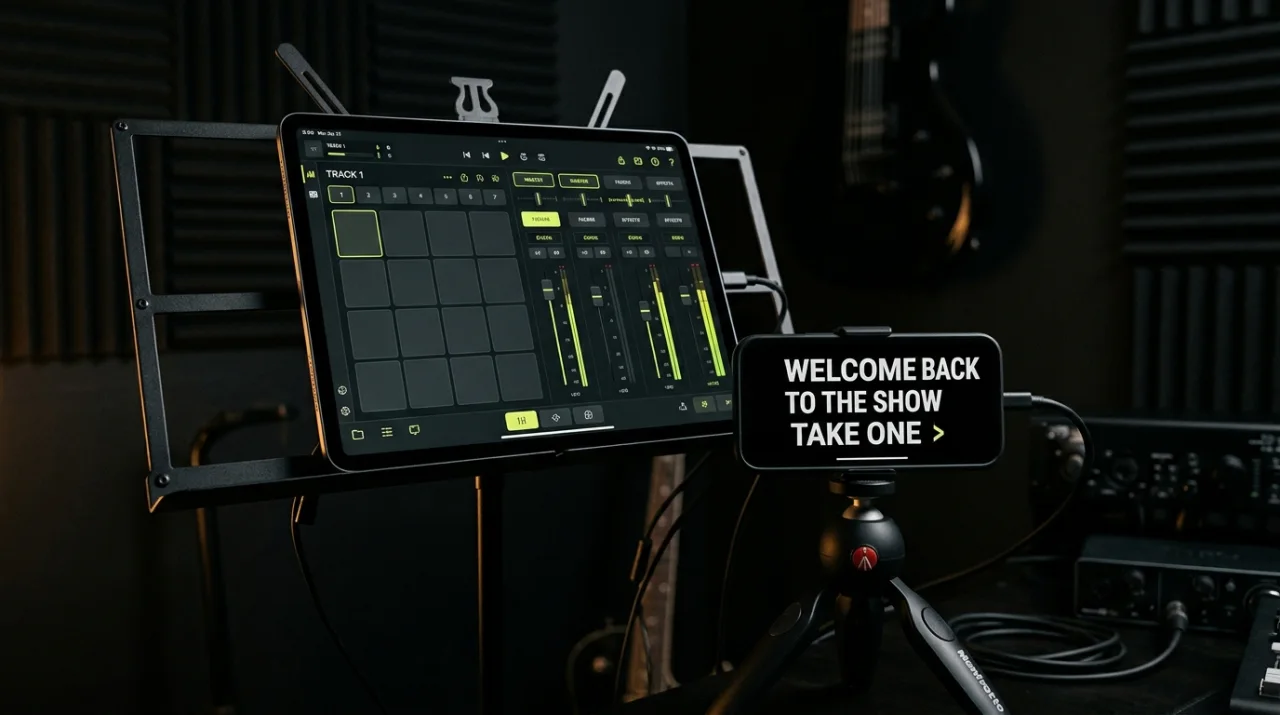 STEP 02
Tap Pair Phone / Tablet and scan the live QR codes. Put your tablet on a music stand for hands-on touch faders and mount your phone at eye level as a crisp, full-screen teleprompter.
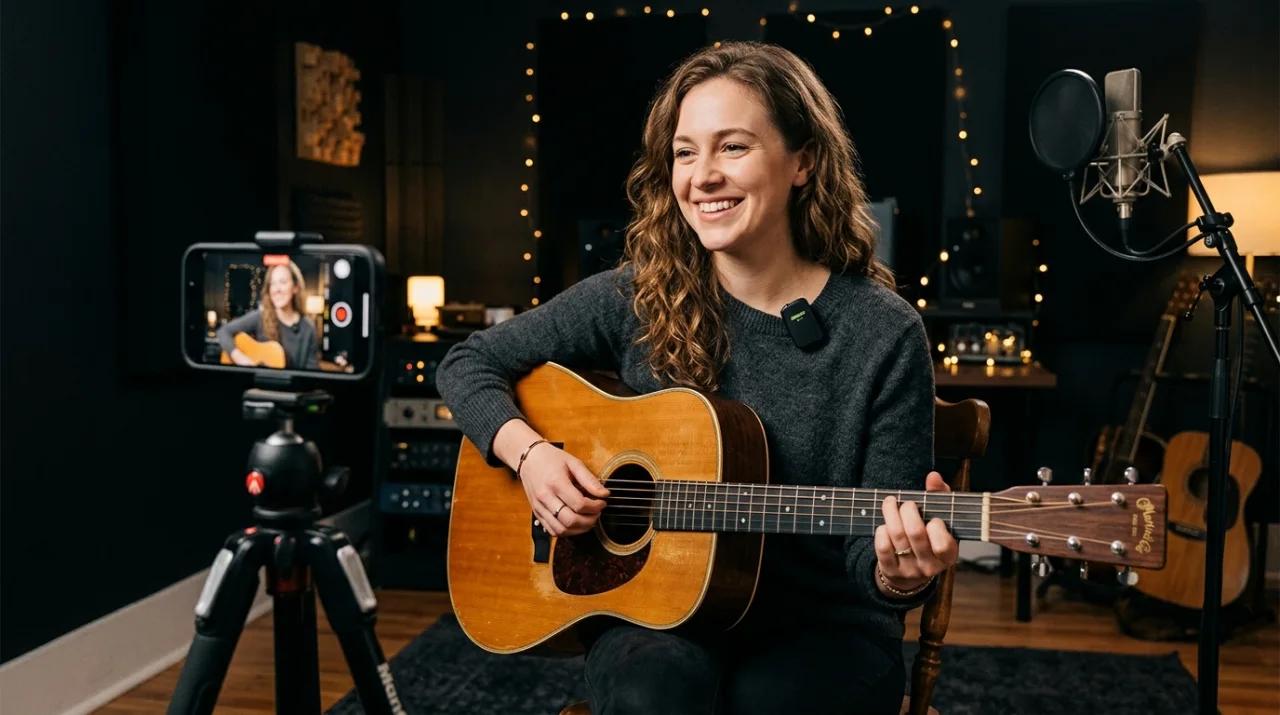 STEP 03
Pair your wireless Bluetooth lapel mic or USB microphone in your device settings, click Refresh Devices, choose Front or Rear camera, and tap Go Live to capture clean video and audio takes.
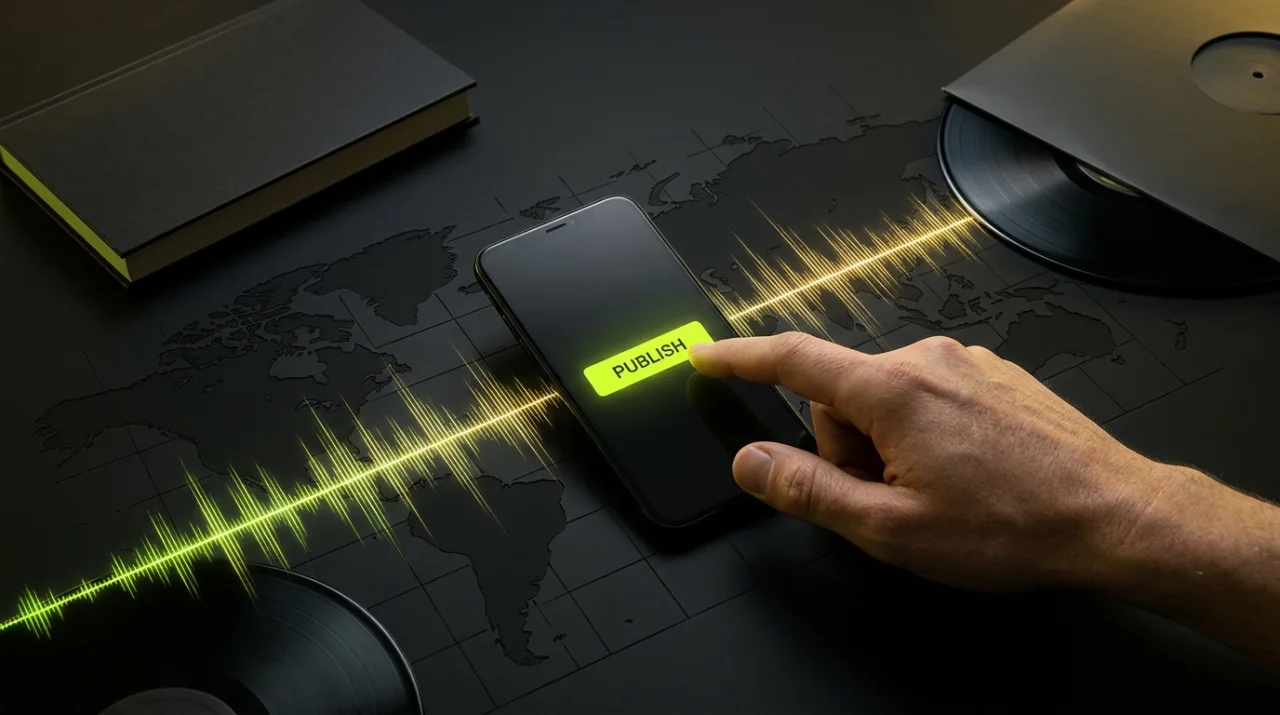 STEP 04
Review your takes right inside the studio, download your best cut, and tap Drop to Alongside+ to share your song with the Alongside+ Media Network or apply for the $1,000 Artist Grant.
I'm an Artist · Alongside+ Media Network Intake
Share a Google Drive or Dropbox folder, attach rough demos or lyric sheets straight from your device, and complete the one-time 5-initial Artist Media Consent to unlock your Verified Artist Compass Badge across Alongside+ Media Network.
Scan either QR code with your phone or tablet camera. Same-device tabs sync live automatically via BroadcastChannel.
Opens full-screen readable lyrics right in front of the singer for your current song.
Opens large touch-friendly chord pads, EQ, reverb, and atmosphere controls.
Submit your self-produced take or link to be featured on the Alongside+ Media Network.